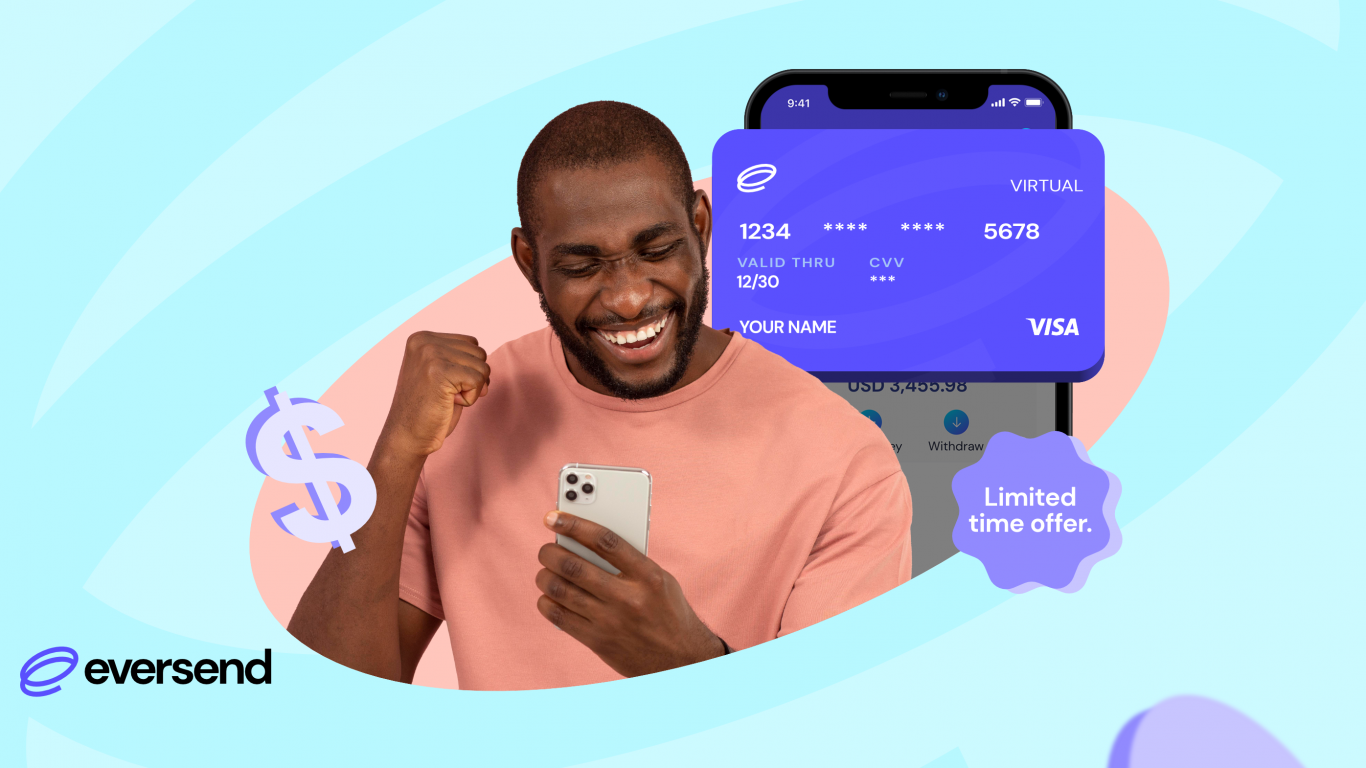
Get an Eversend USD Visa virtual card in seconds. See exact fees, a step-by-step setup guide, and how to shop online anywhere Visa is accepted.
Shop Amazon, Netflix, Google Workspace, and More With an Eversend USD Visa Card
From Amazon and Alibaba to Netflix, Google Workspace, Meta Ads, and Apple, an Eversend USD Visa card lets you shop and pay for services online anywhere Visa is accepted.
There’s no physical card in the post. Your card number, expiry date, and CVV are ready in seconds, directly in the Eversend app.
How Much Does an Eversend Virtual Card Cost?
You choose your payment plan when you create the card:
Plan Setup Fee Ongoing fee
Monthly card $0.00 $0.99/month
Lifetime card $2.99 once $0 — no monthly fee, ever
Quick tip: If you plan to keep a card running for more than three months, the lifetime card works out cheaper overall.
Before You Create Your Card
A few things to budget for upfront:
- Minimum card balance: You need at least $1 on the card. This is the minimum top-up at creation, and it stays on the card as a spendable balance.
- Total to budget:
- Monthly card: ~$1.99 total ($0.99 subscription fee + $1 minimum balance)
- Lifetime card: ~$3.99 total ($2.99 one-time fee + $1 minimum balance)
- Stay funded: Keep your card topped up ahead of subscription renewals or recurring payments so nothing gets declined.
Eversend Virtual Card Fees, in Full
Funding your card: Free
Moving money back to your Eversend wallet: Free
Spending in USD: No FX surcharge—you spend at the rate shown
Spending in a currency other than USD: 3.5% + $0.50
Failed payment (insufficient balance): $0.40 per attempt
See every Eversend fee, by currency and method, on our pricing page.
How to Create Your Eversend USD Virtual Card: Step-by-Step
Step 1: Add Money to Your Wallet
Top up in your local currency by mobile money, bank transfer, or card — or fund with stablecoins. Add enough to cover the $1 minimum plus your plan fee (monthly or one-time).
Step 2: Exchange to USD
Open your default wallet, tap Exchange, choose USD as your target currency, and tap Continue. You’ll see the exchange rate before confirming, plus a notification once the exchange completes.
Step 3: Go to Cards
Tap Cards on the lower menu, then Create Card.
Step 4: Create Your Card
Choose your card colour and plan (monthly or lifetime), then tap Continue. Add at least $5, tap Continue, and enter your password. You’ll receive a notification confirming your card is live.
Bonus: You can create as many virtual cards as you need — one per merchant or subscription, if that’s how you like to stay organised.
What a Virtual Card Can Do That a Plastic Card Can’t
- Freeze instantly. Pause a card between purchases and unfreeze it whenever you need it. Delete one and create a replacement in seconds.
- Track spend in real time. Every authorisation appears the moment it lands, with a clear record of where your money went.
- Stay secure. Your card number is never exposed in your pocket — it lives in the app.
Frequently Asked Questions
How fast can I get a USD virtual card with Eversend? Your card number, expiry date and CVV are generated in seconds — no waiting for a physical card to arrive.
Is there a fee for spending in USD? No. Spending in USD carries no FX surcharge; you pay the rate shown at checkout.
Can I have more than one virtual card? Yes. You can create multiple cards — for example, one per merchant or subscription—to keep your spending organized.
Can I use the card on platforms that bill in other currencies that are not USD? Yes, you can. For example, you can use the card to make payments for bills in EUR, GBP, CHY, UGX, UAED, KES, etc.
Is the lifetime plan or monthly plan cheaper? If you’ll use the card for more than three months, the lifetime plan ($2.99 once, no monthly fee) costs less overall than the monthly plan ($0.99/month).
Need Help?
Open the Eversend app, tap More, then Help to chat with our team. You can also reach us on X or Facebook, or email support@eversend.co.
Related reading: The $0.99 Dollar Card, Explained
Eversend—the cross-border money account for Africa-connected people and businesses.